Deployment Steps
Deployment Steps
Section titled “Deployment Steps”The following deployment commands require root privileges. For non root users, sudo needs to be added before the command.
- Upload the controller package file to the target deployment environment and perform a one-click installation. Use the —i parameter to specify the controller IP address.
./controller_V1.0_R07.bin –i <ip_address>
Users can directly access the controller via this IP address.
[Note]
When upgrading from versions prior to R7 to versions post-R7 while retaining existing configurations, perform the installation without the —i parameter.
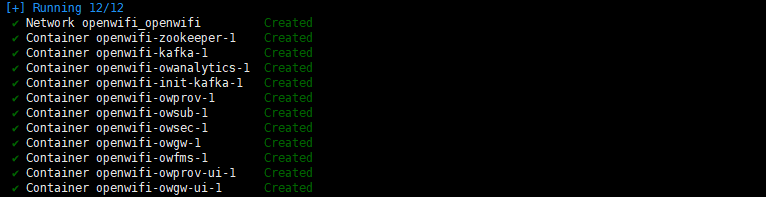
./controller_V1.0_R07.bin- Start the controller using Docker-Compose. The default installation directory for the controller is /opt/controller/
cd /opt/controller/controller_V1.0_R07/wlan-cloud-ucentral-deploy/docker-compose/docker-compose up -d//or ‘docker compose up -d’ Different versions of Docker correspond to slightly different commands[Description]
-d : runs the command in the background.
up : starts the controller.
down : stops the controller.